RetroHexChat
 RetroHexChat
Opening chat...
ASCII Art
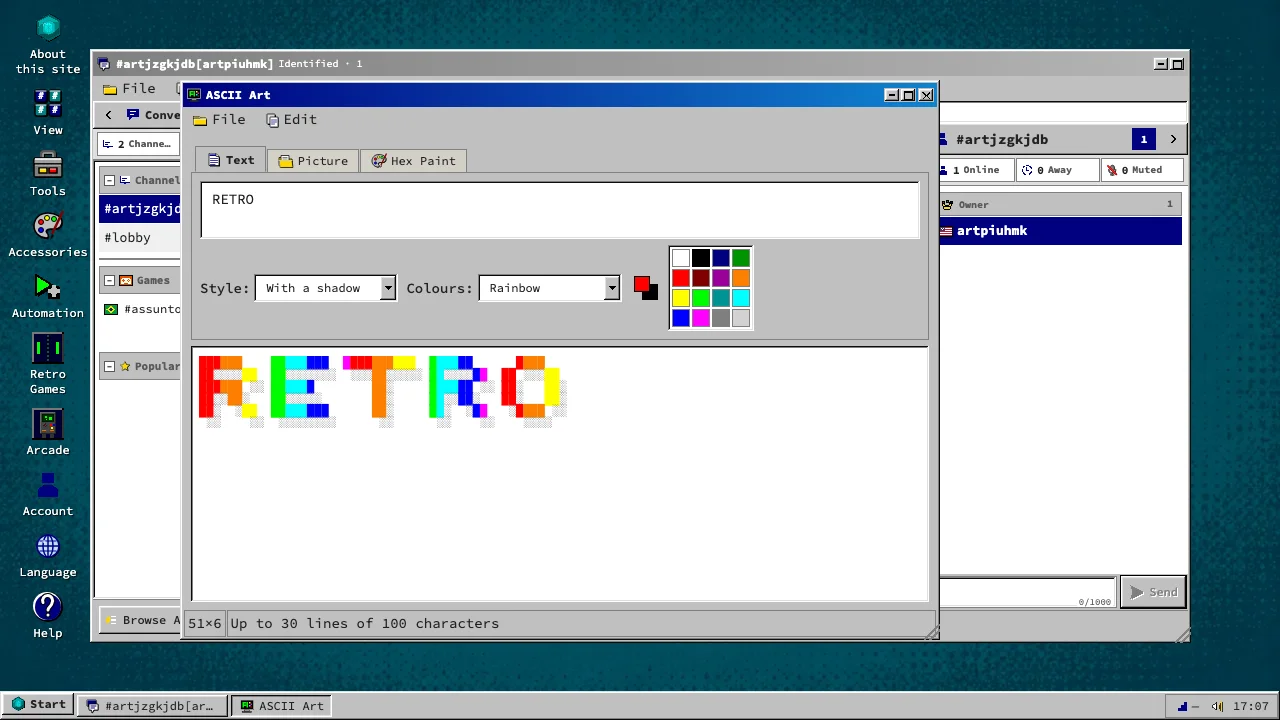
Make ASCII art in mIRC colours
ASCII Art turns a word into a big banner made of text characters. Choose blocks, hashes or a shadow, and colour it in one colour, a rainbow or two tones. It also turns a picture or a Hex Paint drawing into coloured characters. Post the art to a chat room as one message, or copy it with its mIRC colour codes.
Free, in the browser
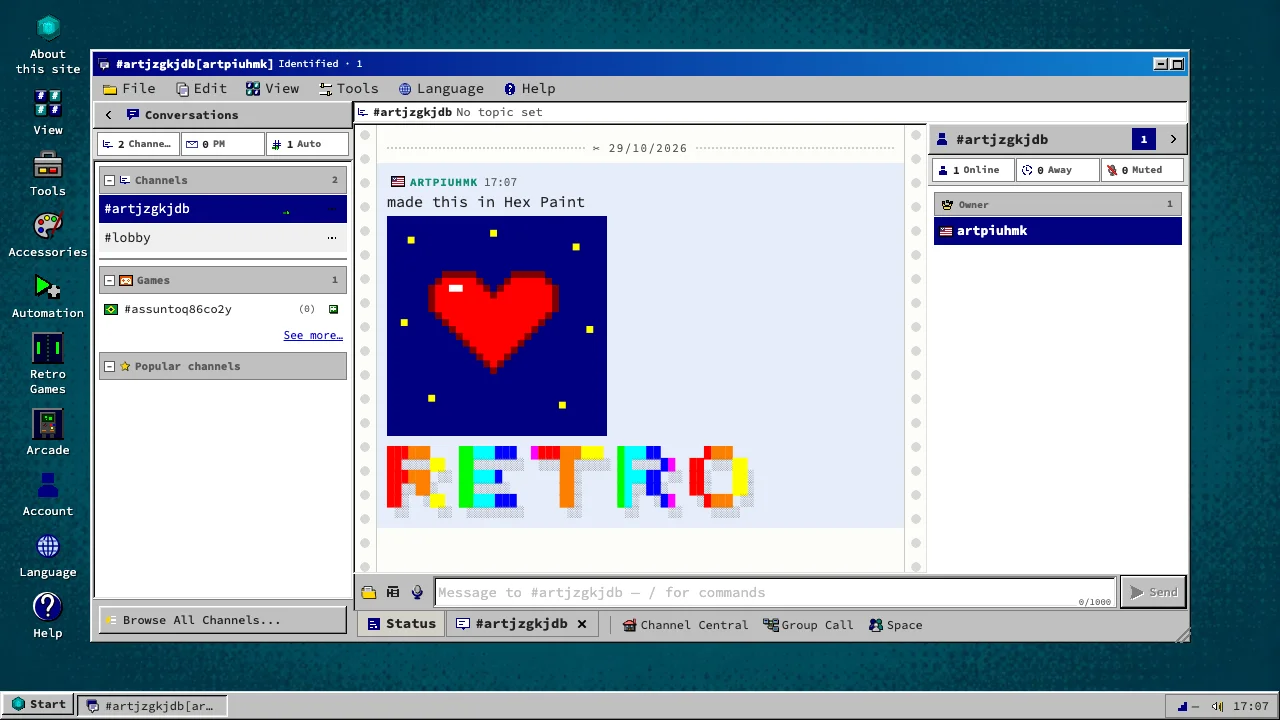
In the chat
Text art arrives as one message, every character in its column, so nobody's screen fills with a flood of lines. A picture you turn into art stays on your computer: only the characters are posted.
About
MIT License
0.1.0-eae62b028