RetroHexChat
 RetroHexChat
Opening chat...
Hex Paint
Draw pixel art and share it in the chat
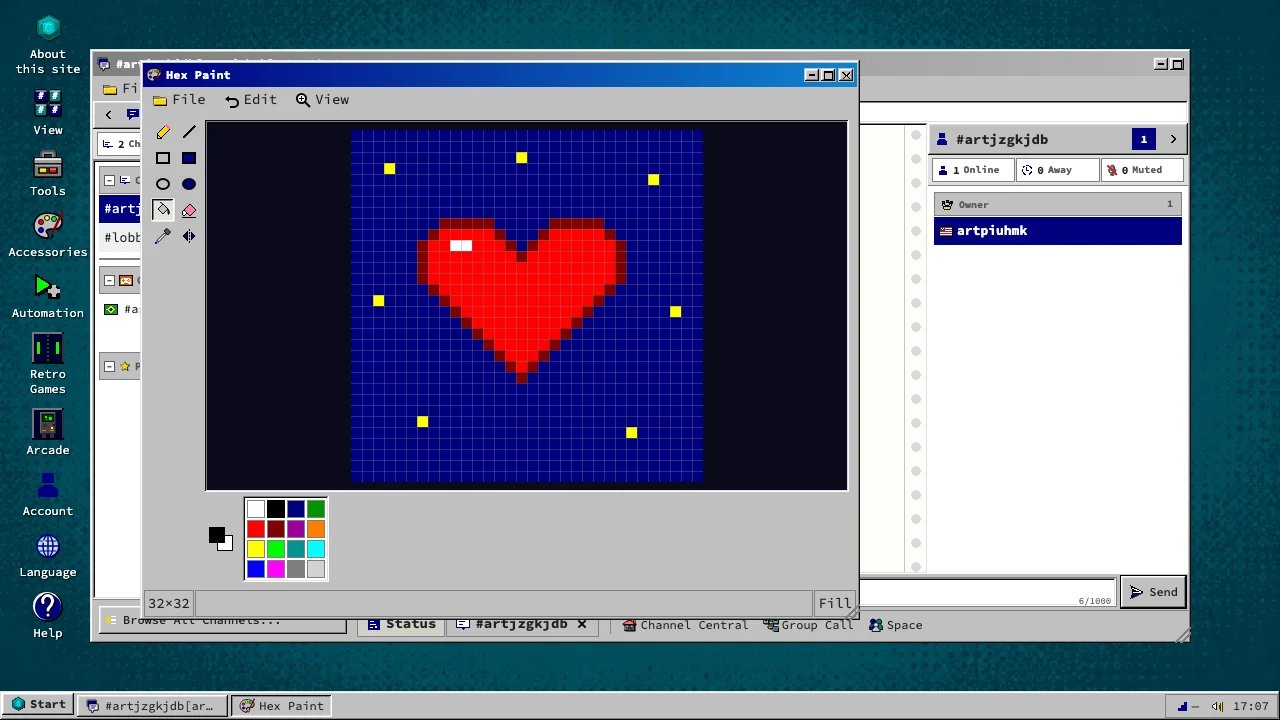
Hex Paint is a pixel drawing program that opens on the chat's desktop. Draw on a grid of 32, 64 or 128 pixels in the sixteen colours of the chat. Use a pencil, lines, rectangles, ellipses and a fill, and undo any stroke. When it is ready, post it to a channel or a friend with a line of text, or save it as a PNG.
Free, in the browser
In the chat
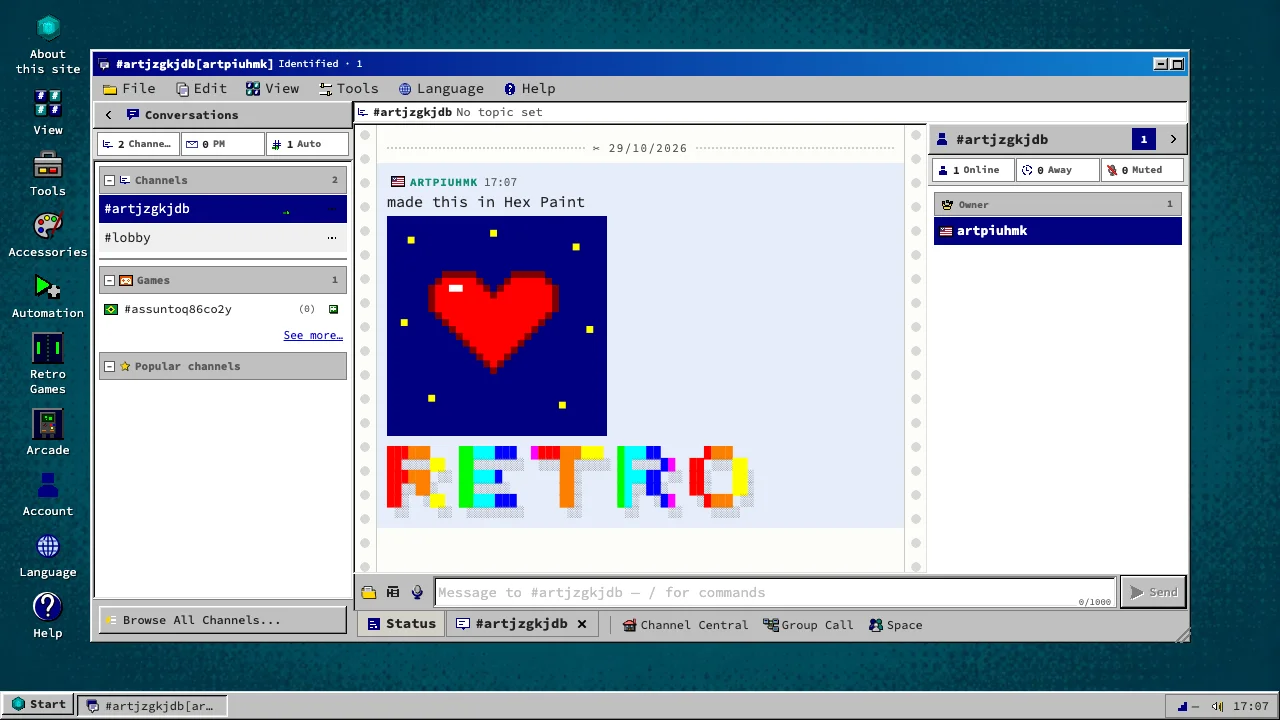
A drawing arrives in the conversation as a picture, every pixel a sharp square. Turn it into text art with ASCII Art and it arrives as coloured characters instead.
How to get in
- An account only needs a nickname and a password.
- Open Start, then Accessories, then Hex Paint, or type /paint in the chat.
- Draw, then choose File, then Post to channel.
About
MIT License
0.1.0-eae62b028