RetroHexChat
 RetroHexChat
Opening chat...
Hex Radio
Listen to internet radio in a retro player
Hex Radio is an internet radio player that opens on the chat's desktop. Choose from thousands of stations around the world: the most played, a genre from chiptune to jazz, or a station by its name. Star the ones you like, and keep listening while you chat in another window.
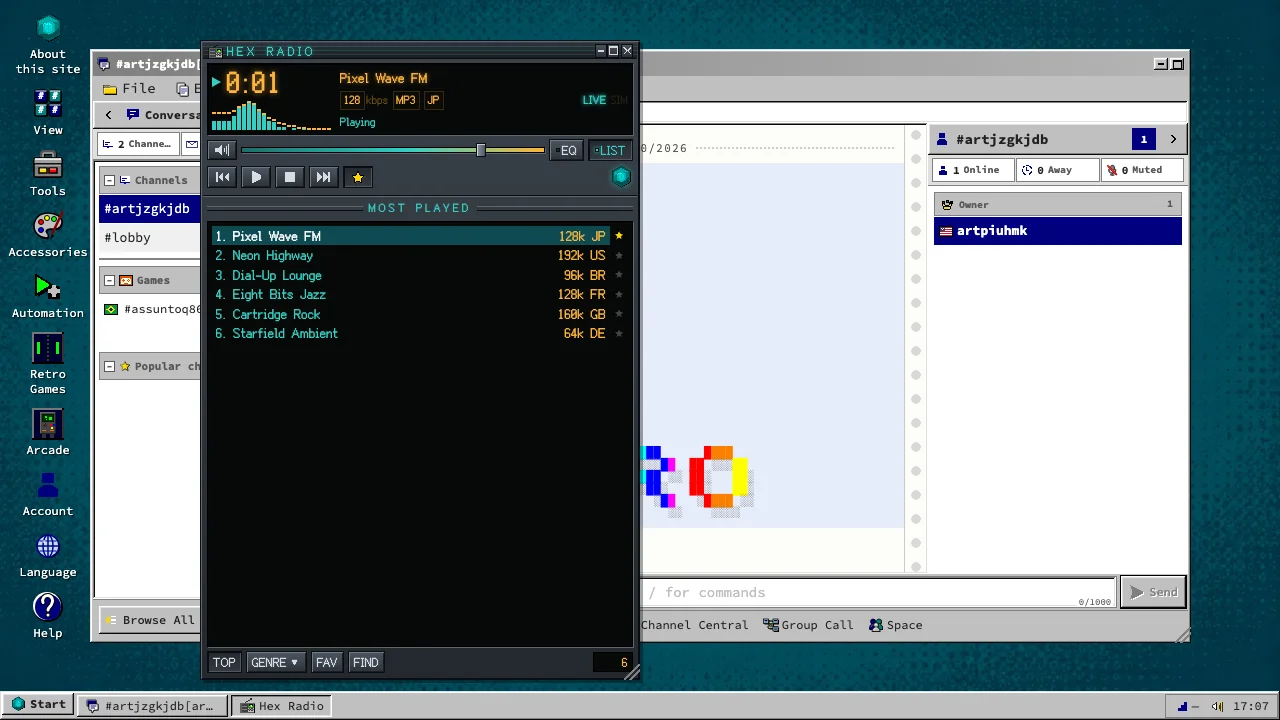
Free, in the browser
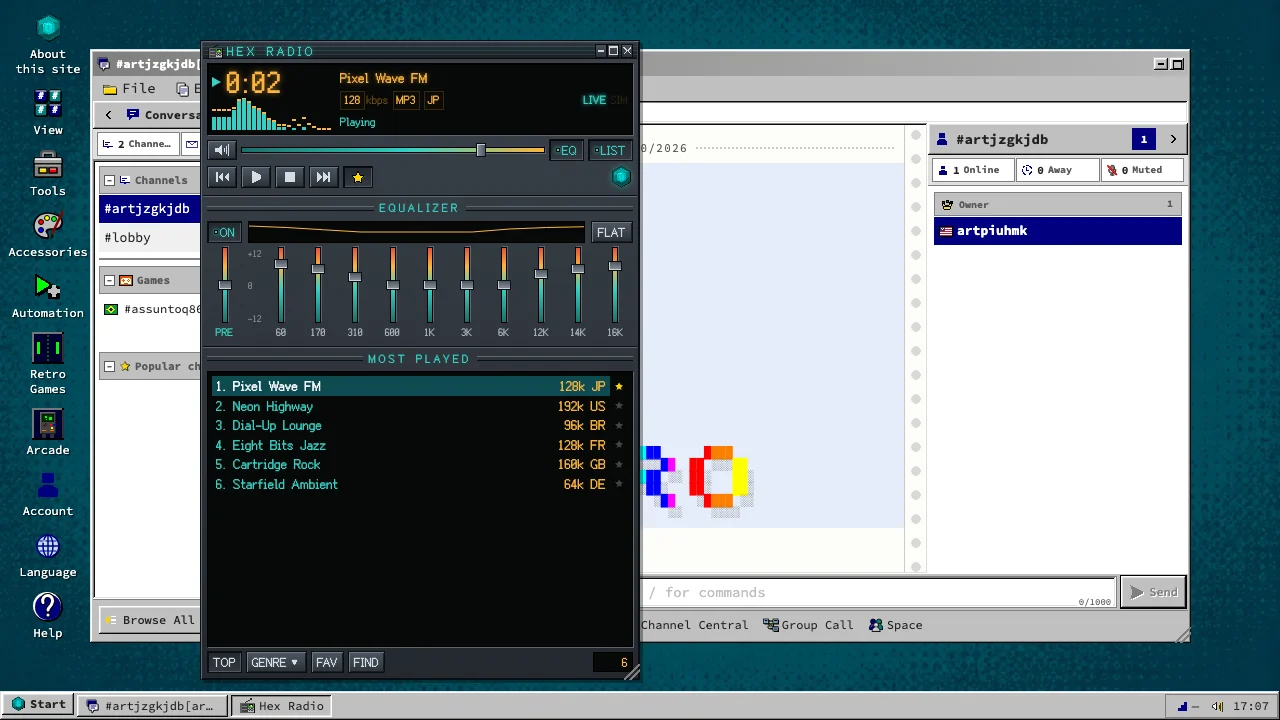
Spectrum and equalizer
The display draws the music as a spectrum of bars or as an oscilloscope line. Open the ten-band equalizer to raise the bass or soften the treble, and put it back to flat with one click.
How to get in
- An account only needs a nickname and a password.
- Open Start, then Accessories, then Hex Radio, or type /radio in the chat.
- Pick a genre or search for a station, then click it to listen.
About
MIT License
0.1.0-eae62b028